
- Schools
- Departments
- Districts
Life skills curriculum for schools and departments
How a school, a department or a district can buy these programs for more than one teacher.
Every resource is sold on TPT (Teachers Pay Teachers). I do not sell files on this site, so a school buys the same way a teacher does, through TPT. Here are the three ways schools usually do it.
1. TPT School Express
An administrator or school office loads school funds onto a TPT school account. Teachers then use those funds to buy the resources they need on TPT at the listed price.
2. Purchase orders and school accounts
TPT also works with schools that pay by purchase order or through a school or district account. Your business office sets this up with TPT directly. The details change from time to time, so check the current school options on TPT or with your business office.
3. Team licenses
If more than one teacher will use a resource, buy one license and then add licenses for the other teachers. You choose the number on the TPT product page before checkout.
- Open the product on TPT from any program page on this site.
- Choose the number of licenses you need.
- Check out with your TPT account or school funds.
Licensing and pricing
Prices are on each TPT product page, and they change when the store has a sale, so I do not list them here. Here is how the licenses work.
- Each TPT license is for one teacher and that teacher's students.
- It is a one-time purchase. There is no subscription and nothing to renew each year.
- On the full-year bundles, each extra license is 25% off the price of the first license.
- Other resources also sell extra licenses at a discount. The exact discount is shown on each TPT product page.
Example: one full-year bundle
- 1 teacher = 1 license
- 3 teachers = 1 license + 2 extra licenses at 25% off each
- 6 teachers = 1 license + 5 extra licenses at 25% off each
Check the current price on the TPT product page. School Express funds and purchase orders work the same way, as described above.
Student data and privacy
The TPT resources are PDF and Google Slides files. They are files the teacher uses, so they collect no student data. There are no student logins.
Boom Cards are different. They are played on Boom Learning, which has its own student accounts and its own privacy policy: Boom Learning privacy policy. If your district needs a data privacy agreement for Boom Cards, that is with Boom Learning.
Accessibility
The resources are printable PDFs in US Letter, most of them in A4 too, and most also have a Google Slides version for digital use. Many programs use picture supports and short sentences that are easy to read aloud.
The Google Slides versions are made for typing and moving answers on top of each page. The page itself is an image, so they do not work well with screen readers. If you have a student or teacher who uses a screen reader, email me at hello@realworldreadyclassroom.com and I will help.
Request help or a quote
If you are planning a program for a department or a district, email me, Joshua Davidson, at hello@realworldreadyclassroom.com. I will help you pick the right courses and work out how many licenses you need.
The button opens your email app with a short form already filled in. If it does not open, send an email to hello@realworldreadyclassroom.com and copy in these lines.
Hi,

School name:
District and state:
Your role:
Number of teachers who will use it:
Programs you are interested in:
How you plan to pay (School Express, purchase order, other):
When you need it by:
Anything else:

Thank you!
Programs for schools
Not sure which program fits your students? See which program fits which student.
Free program guides for administrators
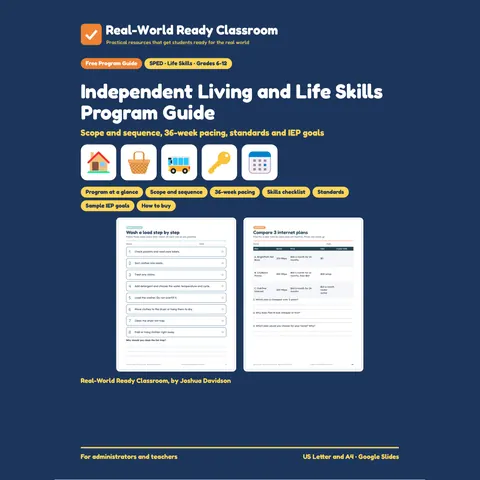
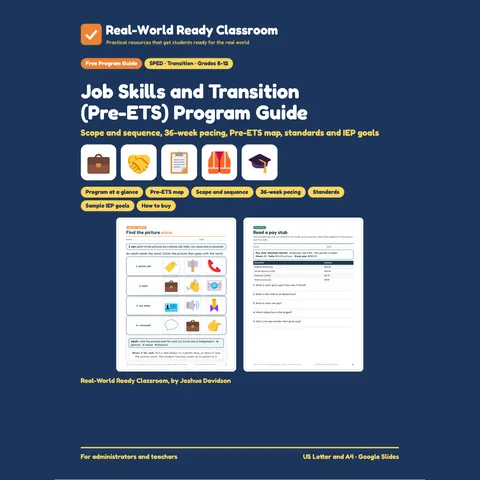
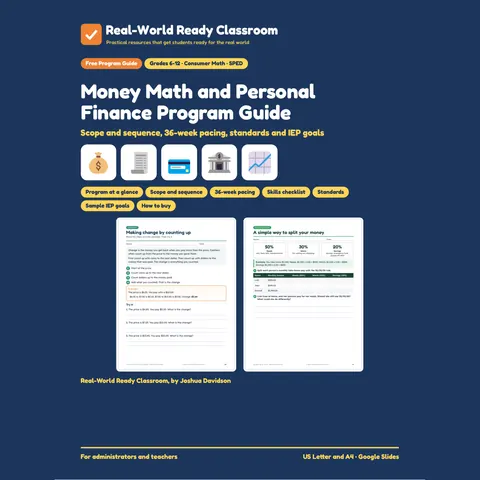
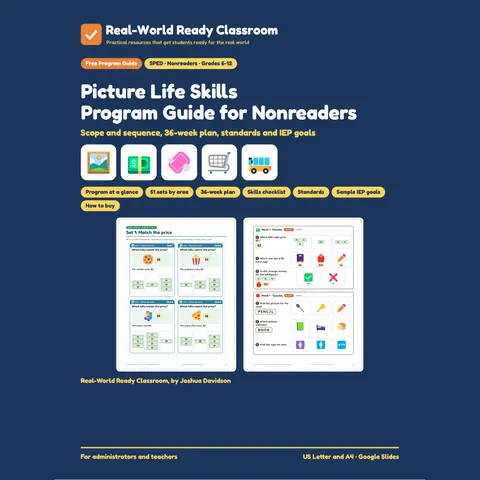
Each guide puts a whole program on paper: the scope and sequence, the pacing and how it lines up with IEPs and standards. You can hand it to your principal, your SPED director or whoever signs off. They are free on TPT.
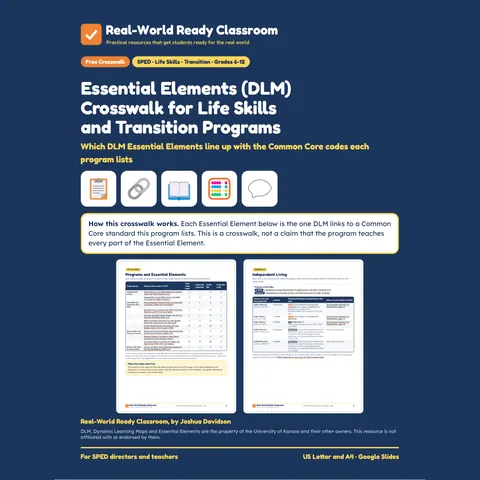
FREE Essential Elements (DLM) Crosswalk for Life Skills and Transition Programs
Lists the Essential Element codes linked to each program's Common Core standards, with page numbers in DLM's free documents.
Transition assessment
IDEA says postsecondary goals have to be based on age-appropriate transition assessments. This kit has simple, informal tools that are quick to give and easy to turn into goals.
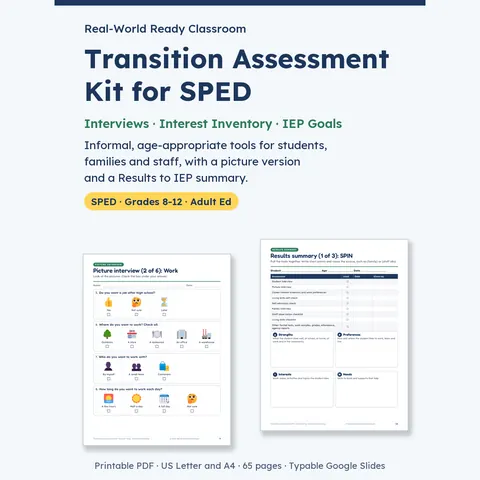
Transition Assessment Kit for SPED: Interviews, Interest Inventory and IEP Goals
Informal transition assessments (student, family and staff interviews, a picture interest inventory) and a page that turns results into IEP goals.